
Every sampler forces the same choice: let the software slice the audio for you, or place every chop by hand. Auto slicing is fast and even; manual chopping is slower but musical. Knowing when to use each is the difference between a loop that sounds pasted in and chops that groove. This guide breaks down both, and shows how to move between them without starting over.
Auto slice: fast, even, grid-locked
Auto slicing cuts the sample at regular intervals, usually by transient or by beat division. Its strength is speed and consistency: point it at a loop, choose every 1, 2, 4 or 8 beats, and you have a full pad layout in a second. It shines on drum loops, steady vocal phrases and anything where the timing is already tight. Its weakness is that it does not know which moments matter; it will cut straight through a stab or land a chop in the middle of a word because the grid said so.
Manual chop: slower, musical, deliberate
Manual chopping means clicking exactly where you want each cut. It is how producers isolate the one stab, the breath before a vocal line or the tail of a chord that makes a flip sound intentional. The cost is time and a good ear; the payoff is chops that sit off the grid on purpose and give the sample its swing. Hip hop flips live here, which is why the best chops rarely fall on even divisions.
Which to use, and when
Use auto slice when the source is rhythmic and even, when you want a quick playable kit, or when you are auditioning ideas and speed matters. Use manual chops when you are flipping a melody, when the groove needs to breathe, or when a single moment in the sample is the whole hook. In practice most good flips use both: auto-chop the bones for a fast layout, then hand-place the two or three chops that actually carry the beat.
Doing both in one pass
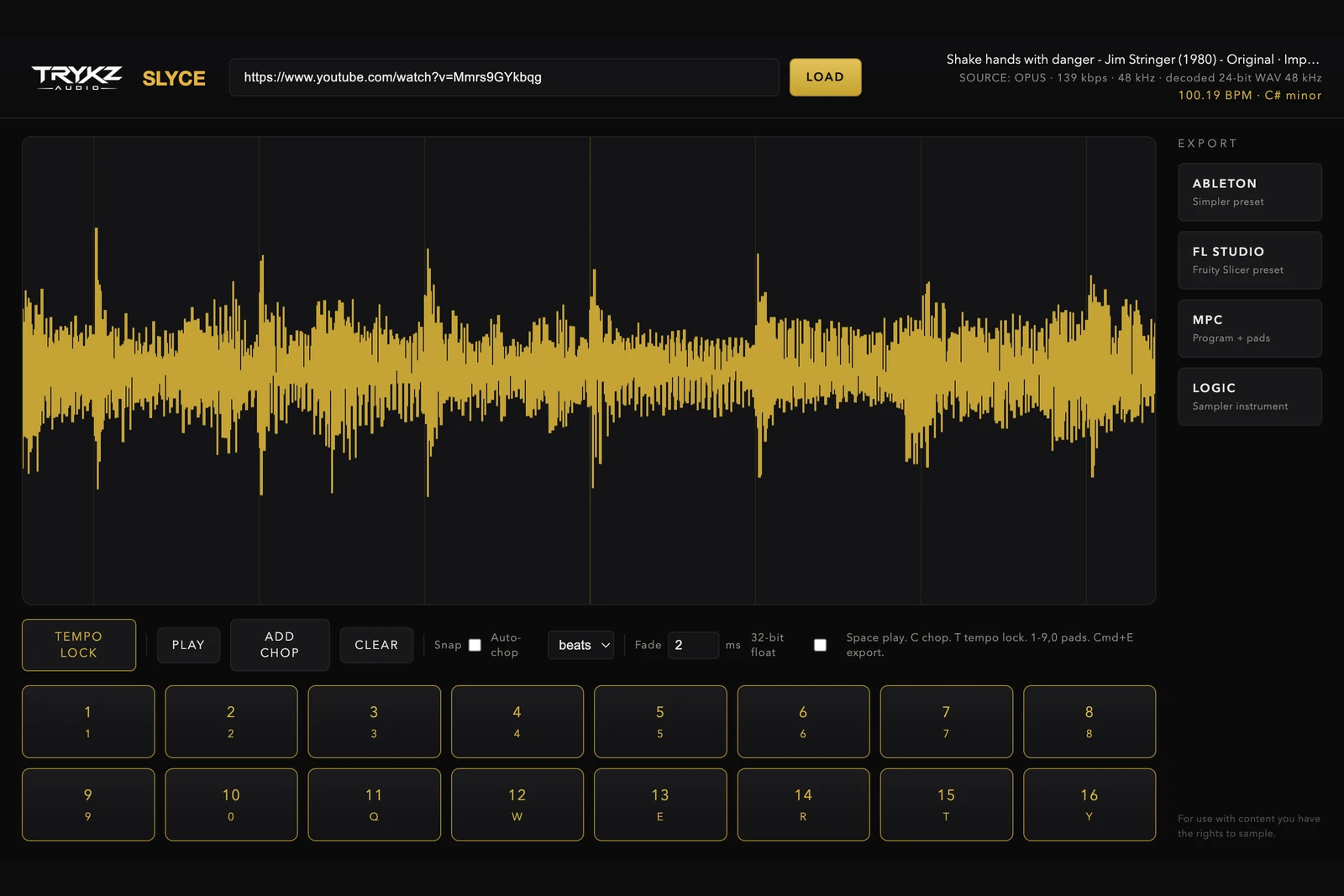
In TRYKZ SLYCE the two are the same tool. After TEMPO LOCK confirms the BPM and key, auto-chop lays down an even grid; then click anywhere on the waveform to add a chop exactly on the moment, drag to fine-tune, and switch snap off to live between the gridlines. Nothing is destructive, so you can auto-chop, keep the good slices, and hand-place the rest without redoing the sample. When it plays right on the pads, export native presets for Ableton, FL Studio, MPC or Logic. For the craft of the cuts themselves, see how to chop samples like a producer.
TRYKZ SLYCE is £80 for macOS and Windows, one payment, perpetual licence. If your source is a link, start with how to sample from YouTube the clean way. For use with content you have the rights to sample.